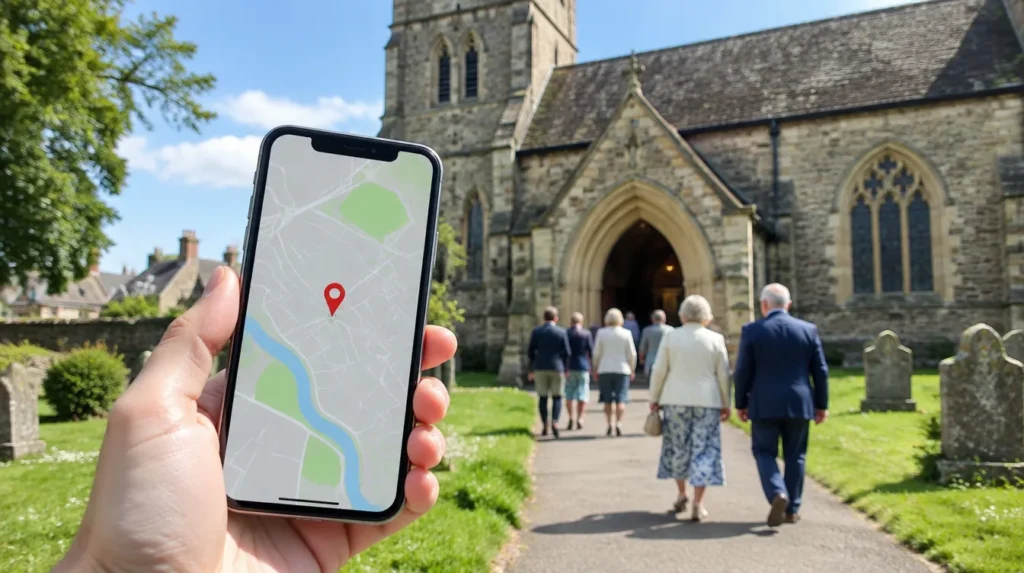

When someone new looks for a church nearby, Google Maps is often the first place they look. If your church isn’t there, or the service times are wrong, you may lose a visitor before they reach the door. The good news: it’s free and takes about an hour.
How do you add or claim your church?
- Search for your church on Google Maps.
- If it appears and says “Claim this business”, select it and follow the steps.
- If it doesn’t appear, go to business.google.com/add and add your church.
- Use your church’s real name, without extra keywords.
- Choose the most accurate category, such as “Church” or the closest match for your denomination.
- Enter the address where people meet, and check the map pin sits on the main entrance.
Use a shared church email account to manage the profile, and add a second manager so you’re never locked out.
How does verification work?
Google chooses the verification methods it offers you. They can include a phone call or text, email, a video recording or live video call, or a postcard. For video, show the outside of the building with its name or signage, then the inside where you meet, and something that shows you can manage it, such as unlocking the door.
From our team: if your church meets in a school or community hall, say so in the description and add a photo of the entrance people should use. It stops visitors walking round the wrong side of the building.
What should your listing include?
- Regular service times, plus special hours for Christmas and Easter
- Your website, phone number and a short, welcoming description
- Recent photos: the entrance, the inside, people (with consent) and parking
- Accessibility details, such as step-free access or a hearing loop
- Regular updates for events and seasonal services
Your website should match what’s on Google. If it’s out of date, see our church websites service.
Should churches ask for reviews?
Yes, gently. Honest reviews from members and visitors help newcomers feel confident. Ask in a notice or newsletter, never offer anything in return, and reply kindly to every review, including critical ones.
Want it done for you? Our Get Found set-up claims and verifies your profile, adds categories, times, services and photos, and sets up Apple Maps and Bing too. Or start with a free Health Check of your Google listing. If you’re a charity, you may also be eligible for free Google search ads.
Frequently asked questions
Does a Google Business Profile cost anything?
No. Adding or claiming a Business Profile is free.
Should a church hide its address on Google?
No. Google says only service-area businesses should hide their address. A church people visit should show it, so visitors can find you.
How long does verification take?
It depends on the method Google offers you. Some profiles are verified instantly; postcards can take up to 14 days to arrive.
Sources
- Google Business Profile Help: add or claim your business
- Google Business Profile Help: verify your business
- Methodist Church: how to set up your church's Google Business Profile
Last checked: November 2026. This guide is general information, not legal or financial advice.