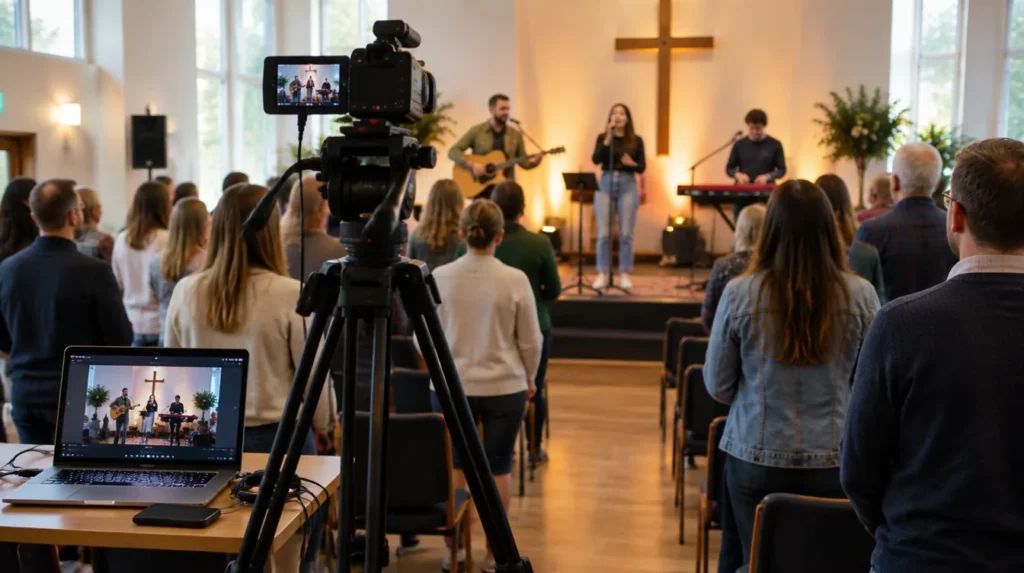

Streaming services became normal for many UK churches during the pandemic, and lots still stream every week. The spoken parts are simple. Music is where churches most often get caught out. This guide explains the licences that usually apply and what to check before you go live.
This is general guidance, not legal advice. Licence terms change, so always confirm the current position with CCLI UK and PRS for Music.
Which licences do churches usually need to stream?
For most churches singing worship songs on a live stream, guidance from UK denominations points to two layers:
- A CCLI Church Copyright Licence, which many churches already hold for projecting lyrics in services.
- A CCLI Streaming Licence, an add-on for churches that hold the Church Copyright Licence. It covers the live performance of songs, and showing their lyrics, within your stream.
The Streaming Licence covers live performance by your own musicians. It does not, on its own, cover playing commercial recordings.
Does it matter where you stream?
Yes. Guidance from the Methodist Church and the Evangelical Alliance explains that YouTube and Facebook have their own agreements with PRS for Music, so the CCLI Streaming Licence is generally enough there. If you stream on your own website, Zoom, Teams or another platform without that arrangement, you may also need a PRS licence for worship. Check the current details with PRS before you rely on this.
From our team: keep a simple song log for each service. If a platform ever queries a song, you can show which licence covered it in minutes rather than hours.
What about recorded music and clips?
- Backing tracks and commercial recordings are usually not covered by the standard streaming licence. Some publishers offer extra licences for master recordings.
- Sermon clips with music under them need music you’re licensed to use. Royalty-free or licensed library music is the safe choice.
- Platform copyright checks can mute or block videos even when you’re licensed. Keep your licence numbers handy to dispute claims.
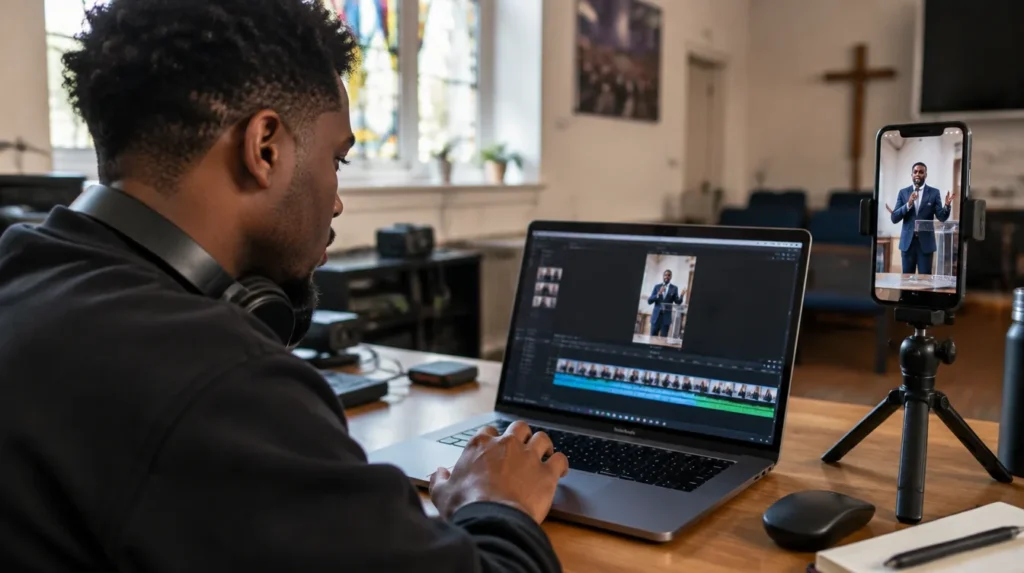
Spoken clips are the simplest. See how to turn a sermon into social media clips.
A quick checklist before you go live
- Confirm your Church Copyright Licence is current.
- Add the CCLI Streaming Licence if you stream worship music.
- Check whether your platform needs an extra PRS licence.
- Report the songs you use, as your licences require.
- Tell your congregation that the service is streamed, and offer an off-camera seating area.
- Keep children out of shot unless you have consent. See our guide on photos of children online.
We only use worship recordings in client content where your CCLI licences allow it. If you’d like help planning your church’s online presence, start with our social media management service or a free Health Check.
Frequently asked questions
Do we need a licence to stream just the sermon?
Generally no music licence is needed for spoken content you own, such as your own sermon. Check any videos, images or readings you show on screen.
Is YouTube or Facebook different from our own website?
Yes. Denominational guidance says YouTube and Facebook have their own arrangements with PRS for Music, while streaming on your own website, Zoom or Teams may need a separate PRS licence. Check the current terms with CCLI and PRS.
Can we play a recorded worship track in our stream?
Not under the standard streaming licence, which covers live performance. Using commercial recordings needs extra permission, such as a higher licence tier where available.
Sources
- Methodist Church: copyright guide for streamed worship
- Evangelical Alliance: licensing explained for streaming worship songs
- CCLI UK
- PRS for Music
Last checked: November 2026. This guide is general information, not legal or financial advice.